
File and installation checks
TCV VIP Download and APK Information
Understand what an APK is, how to check a download source and which device signals deserve attention before an Android installation.
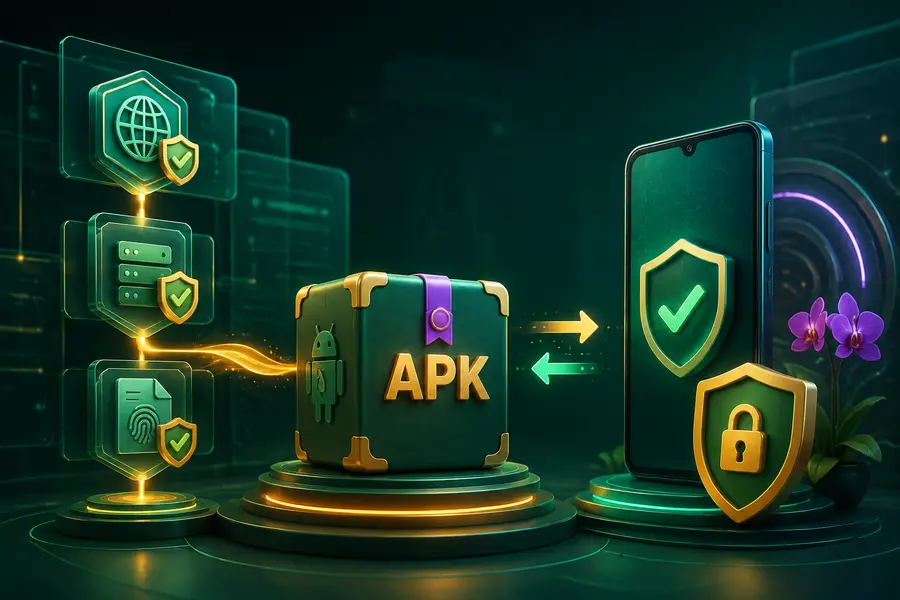
What an APK can and cannot tell you
APK is the package format used to install applications on Android. The name may contain a brand and version, but text in a filename can be changed by anyone who copies the file. It is not proof of ownership, safety or an official release.
Check where the download begins, whether the address changes, whether the browser reports a different filename and whether the package requests unusual permissions. Keep the operating system protection active while making these checks.
- Compare source address and filename.
- Scan the package with current device protection.
- Avoid files passed through public groups.
- Remove old duplicate packages.
Installation settings require care
Android may ask permission for a browser or file manager to install an unknown application. That permission is specific to a source and should be turned off again when it is no longer needed. Do not enable broad accessibility or device-administrator access unless the purpose is clear and necessary.
Read every system warning instead of dismissing it automatically. If the package name, requested permission or installation screen conflicts with what you expected, cancel and verify before continuing.
Updates and duplicate files
An update should preserve a clear relationship with the installed application. A signature conflict, unexpected package name or request to uninstall first can indicate that the update does not match the existing installation.
Keep one reviewed package rather than several similar copies. Duplicate files with added numbers in their names make it easier to install an older or unverified version accidentally.
After installation
Review notifications, background data, battery use and permissions after the first launch. Keep OTP and passwords private, and do not grant remote-control access to someone who claims they need to complete an installation.
If the application opens unrelated pages, requests unexpected payments or makes guaranteed-result claims, stop and reassess. An installed application should not override responsible time and spending limits.
- Check the app after every update.
- Remove permissions that are not needed.
- Do not share an APK as proof of authenticity.
- Keep account recovery details offline.
Common questions
Is this the official TCV VIP website?
No. This is an independent information website. It does not operate official TCV VIP accounts, payments, applications or game results.
Does a prediction reference guarantee an outcome?
No. A reference is an informational signal only. It is not an official result, winning probability or guarantee of any future outcome.
What should I check before using an external service?
Check the current address, device permissions, account details, applicable eligibility rules and your own time and spending limits before continuing.
Access options